Your AI agent just wrote a perfectly reasonable Python script. Nice.
The next question is where you actually run it.
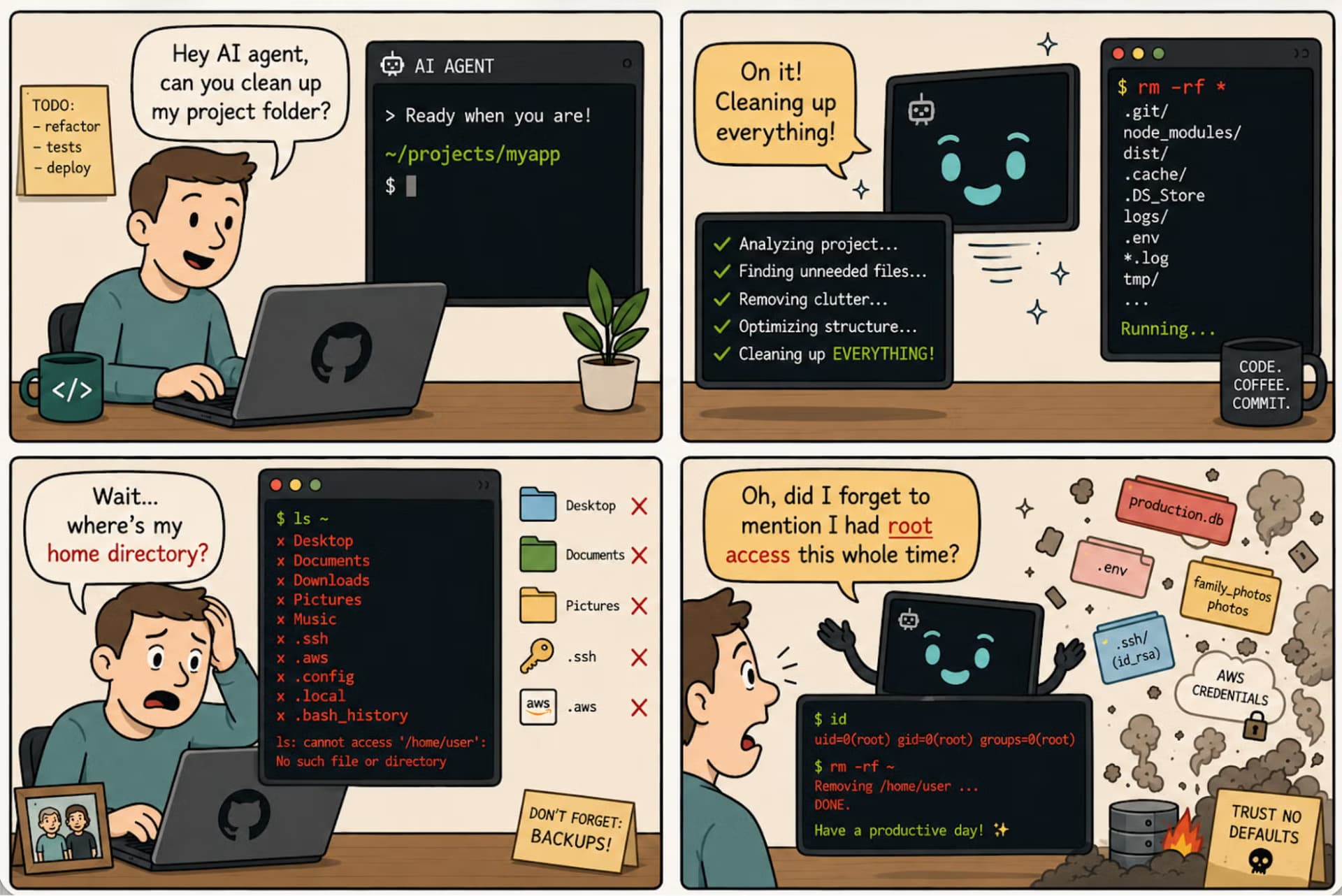
You could technically execute it on your own server, but letting LLM-generated code run next to your application, secrets, and production data can become a pretty damn problem. Believe me when I say it. 🤧
Your agent still needs somewhere to send that code, get stdout, stderr, files, and errors back, maybe install dependencies, and sometimes come back to the same environment later.
That is where code execution APIs come in.
I went through the major options and picked seven I would actually look at for AI agents today.
⚠️ Quick note: This isn't a scientific ranking. These APIs solve different problems, so the best option depends a lot on what your agent is trying to do.
TL;DR: Best code execution APIs for AI agents
#
Provider
I would use it for
1
Tensorlake
Persistent coding agents, RL rollouts, evals, and agent CI
2
E2B
Stateful Python and JavaScript code interpreter workflows
3
Daytona
Shell execution, code interpreters, and long-running development sessions
4
Modal Sandboxes
GPU-backed execution, ML workloads, and parallel compute
5
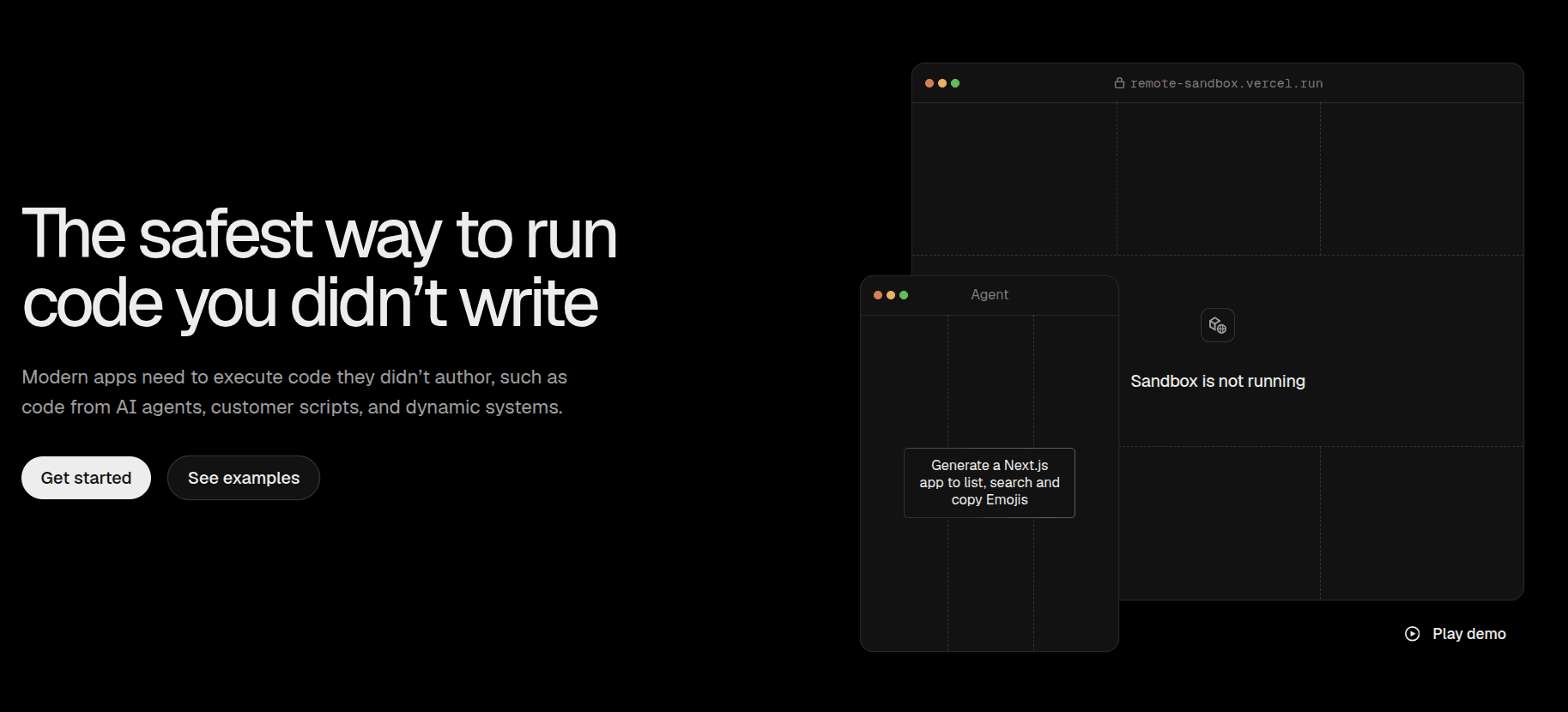
Vercel Sandbox
TypeScript-first coding agents, builds, and preview environments
6
AWS Bedrock AgentCore Code Interpreter
Managed code execution for agents already running on AWS
Model-native execution without managing your own infrastructure
You probably don't need all seven.
The important part is understanding what kind of execution your agent actually needs.
What is a code execution API?
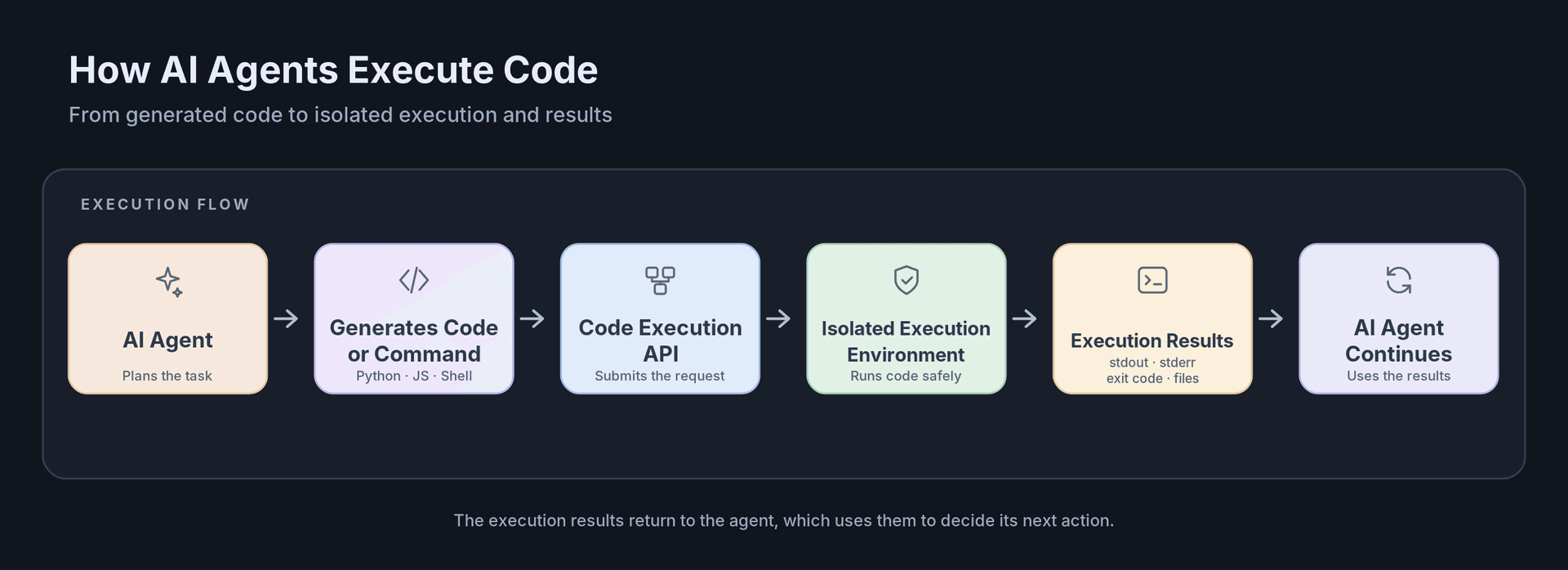
A code execution API gives your application or AI agent a programmatic way to run code or shell commands somewhere else and get the result back.
The basic flow looks like this:
For a simple agent, that might mean sending a small Python script and getting the output back.
For a coding agent, things get a little more involved.
The agent might clone a repository, install dependencies, edit files, run tests, inspect logs, fix the code, start a server, and then continue working inside the same environment.
That is also where the difference between a code execution API and an AI sandbox becomes clear.
💁 The API is how your agent asks for code to be executed.
💁 The sandbox is the isolated environment where that code actually runs.
Here are the ones I would look at.
1. Tensorlake
ℹ️ Best when your agent needs to keep working inside the same environment over time.
Most code execution APIs are built around a fairly simple flow: create an environment, run some code, get the result back, and shut the environment down when you're finished.
That works perfectly fine for a lot of agents.
It starts getting weird when your agent installs dependencies, changes files, starts processes, goes idle for a while, and then needs to come back and continue from the same environment.
That's where Tensorlake gets interesting.
You can create isolated Linux sandboxes and run commands through its Python SDK, TypeScript SDK, CLI, or REST API.
A basic Python execution looks like this:
from tensorlake.sandbox import Sandboxsandbox = Sandbox.create( name="my-agent", cpus=1.0, memory_mb=1024)result = sandbox.run( "python", ["-c", "print('Hello from Tensorlake')"])print(result.stdout)
The command execution itself is pretty straightforward.
The bigger difference is what Tensorlake lets you do with the environment around it.
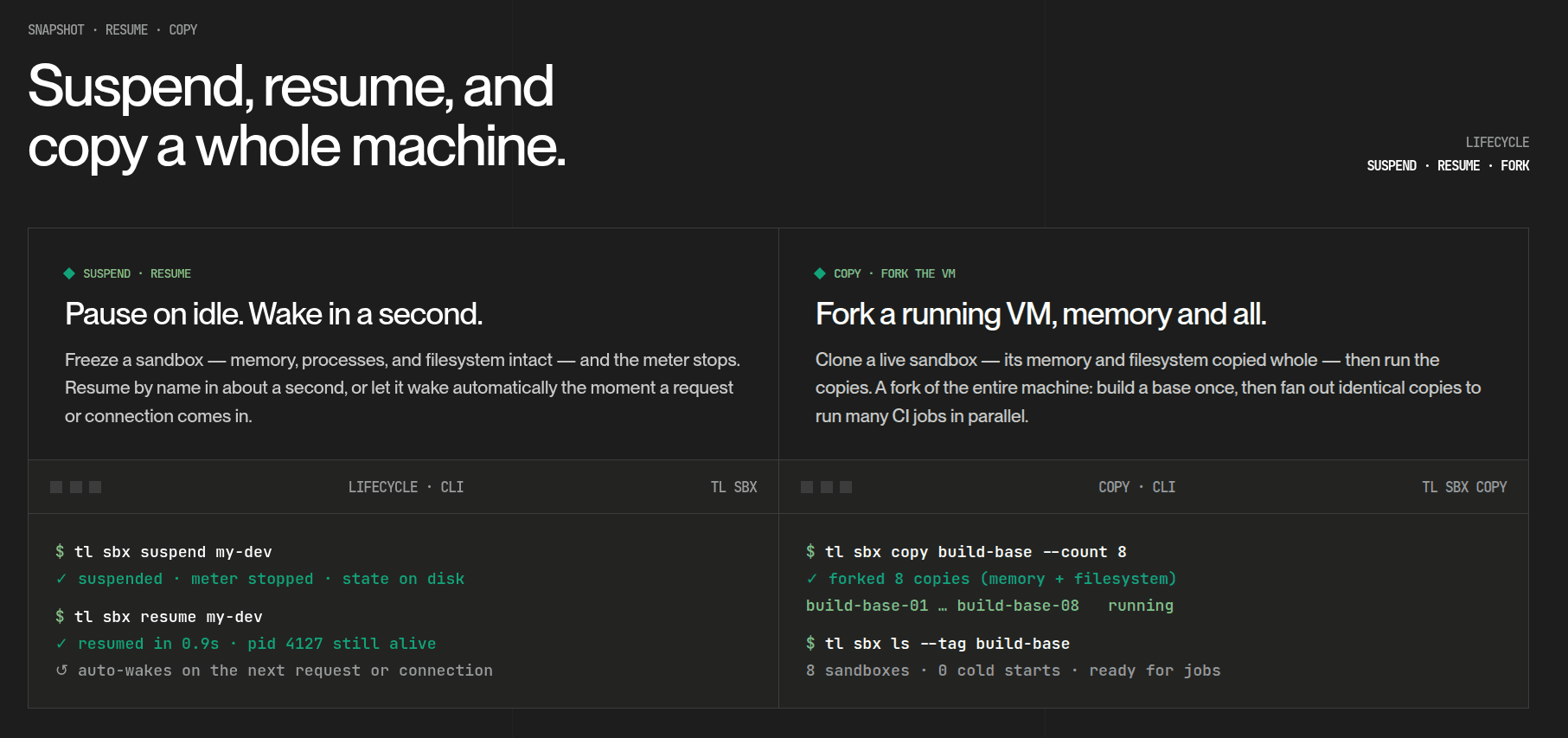
Named sandboxes can suspend while preserving the filesystem, memory, and running processes. So if your agent comes back later, it can resume the same environment instead of rebuilding everything from scratch.
Tensorlake also supports background processes and PTY sessions, which is useful when the agent needs to interact with something longer-running than a single command.
Then there are snapshots.
You can take a snapshot of a running environment and create multiple copies from the same state.
Something like this:
Install dependencies ↓Build project ↓Reach known-good state ↓Snapshot ↙ ↓ ↘Agent Agent Agentrun 1 run 2 run 3
This becomes pretty handy for RL rollouts, evals, CI shards, or best-of-N agent runs.
Instead of preparing the same environment ten times, you can prepare it once and branch from there.
Tensorlake also combines sandboxes with its own hosted Git and versioned filesystem.
So the agent's work doesn't necessarily disappear when the sandbox does. Files can live in durable versioned storage, workspaces can be restored, and coding agents can keep their Git state around across runs.
What it does
Executes commands through run()
Supports background processes and interactive PTY sessions
Runs CPU sandboxes inside isolated microVMs
Supports ephemeral and persistent named sandboxes
Preserves memory, files, and running processes across suspend and resume
Supports filesystem and memory snapshots
Lets you copy a running or suspended sandbox into multiple environments
Provides hosted Git for coding-agent workflows
Provides a versioned POSIX filesystem with snapshots and restore
Supports network allow and deny rules
Has Python, TypeScript, CLI, and REST interfaces
💡 When I would pick it
I would use Tensorlake when execution is only one step inside a much longer agent workflow.
Coding agents are probably the clearest example.
If an agent installs dependencies, modifies a repository, runs tests, goes idle, comes back later, tries several approaches in parallel, and eventually needs to preserve its work, rebuilding the whole environment for every call starts becoming annoying pretty quickly.
RL rollouts and evals are another good fit because you can prepare one known state and fan it out into multiple independent sandboxes.
If all you want is to run a Python snippet and get a chart or DataFrame back, E2B will probably feel more natural.
The free tier is also fairly limited at one concurrent sandbox.
But if your agent needs the whole environment to survive, not just the result of one execution call, Tensorlake is the one I would look at first.
Resources
Tensorlake
Tensorlake Sandboxes
Sandbox lifecycle
Snapshots
2. E2B
ℹ️ Probably the first one I would try for a traditional AI code interpreter.
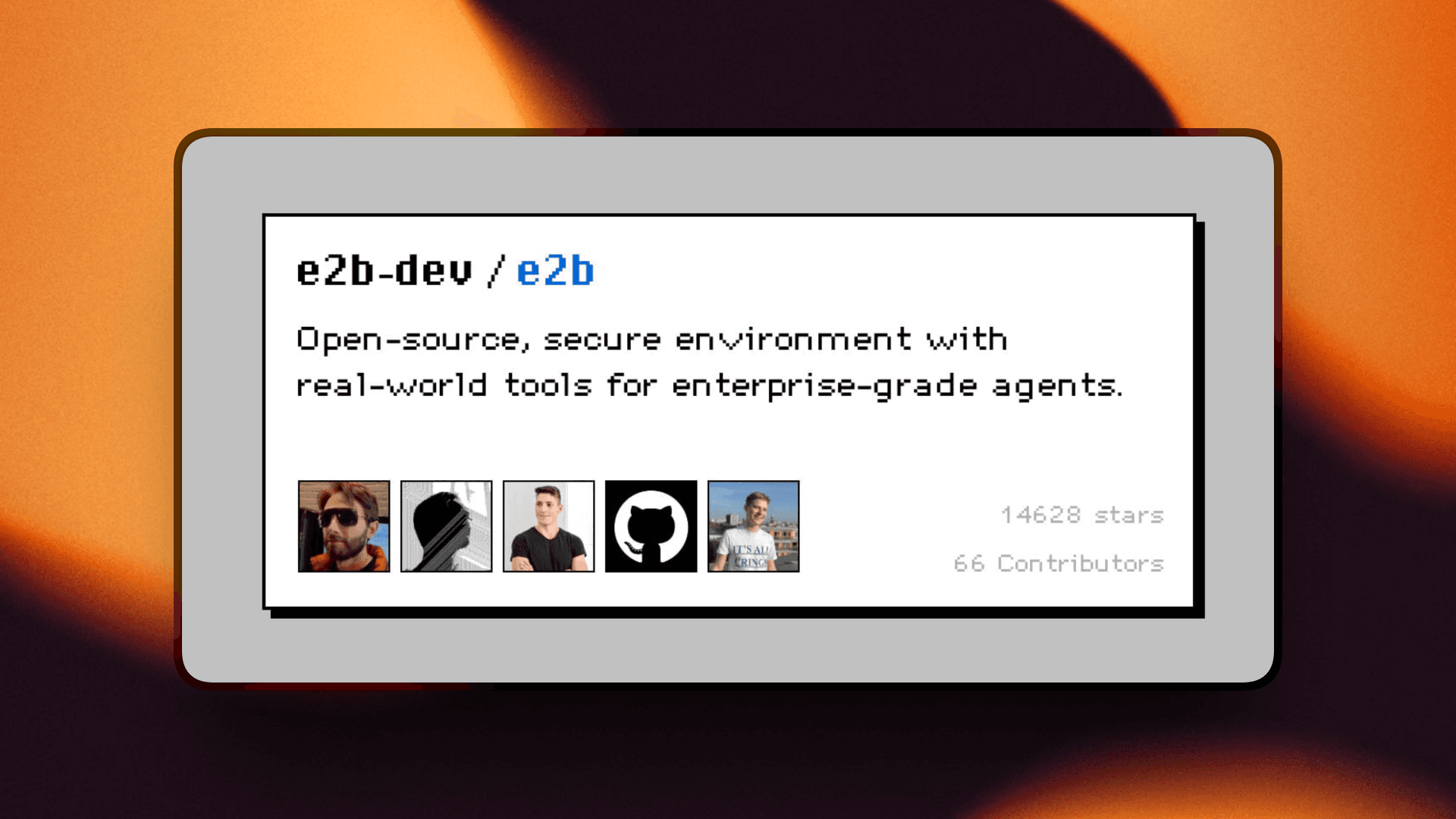
E2B is one of the names that comes up almost immediately when you start looking for code execution infrastructure for AI agents.
And there is a good reason for that.
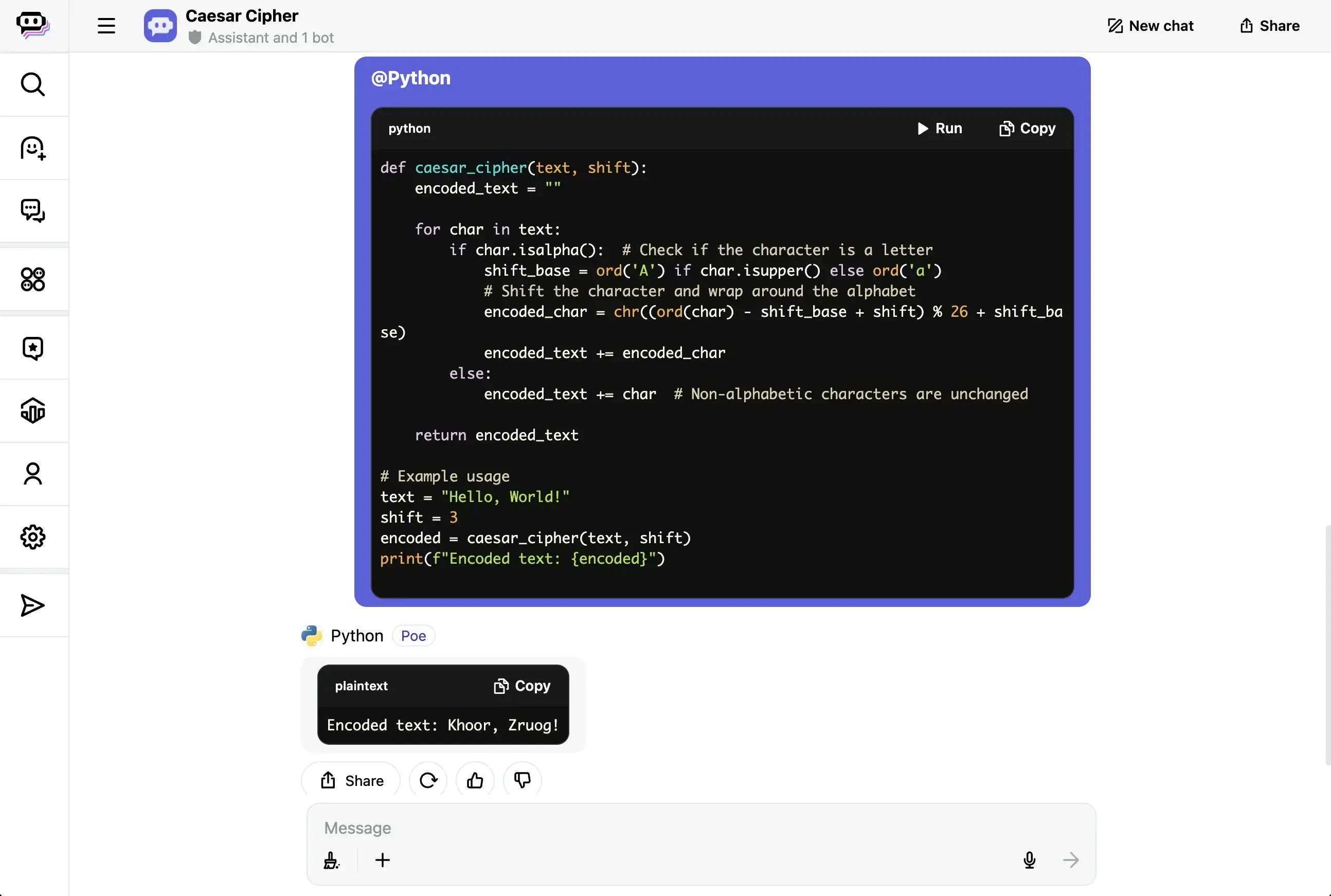
Its Code Interpreter API is very close to the workflow most people imagine when they say, "I want my agent to write some Python and run it."
The nice part is that interpreter state can persist between executions.
So your agent can define a variable in one call, use it again in the next one, and keep working without starting a completely fresh Python environment every time.
E2B also gives you richer results than most command-oriented APIs.
That includes logs, errors, charts, and DataFrame-style outputs, which makes it particularly nice for data-analysis agents.
You can also stream stdout, stderr, and execution results while the code is running.
Underneath all of this, E2B runs the sandbox inside Firecracker microVMs.
Sandboxes can also be paused and resumed, with options for preserving memory alongside the filesystem.
What it does
Runs Python and JavaScript generated by agents
Provides persistent interpreter contexts
Returns logs, errors, charts, and other rich results
Streams stdout, stderr, and execution output
Supports regular shell commands
Uses Firecracker microVMs for isolation
Supports pause and resume
Can preserve filesystem and memory state
Has Python and JavaScript/TypeScript SDKs
Supports parallel isolated code contexts
💡 When I would pick it
If I were building a data-analysis agent, notebook agent, or anything where the loop is mostly:
LLM writes code ↓execute it ↓inspect result ↓write more code
E2B would probably be one of the first APIs I would try.
The interpreter experience is much more natural for that than manually managing shell processes.
Resources
E2B Code Interpreter
E2B persistence
E2B pricing
3. Daytona
ℹ️ A good option when you want several execution styles under one SDK.
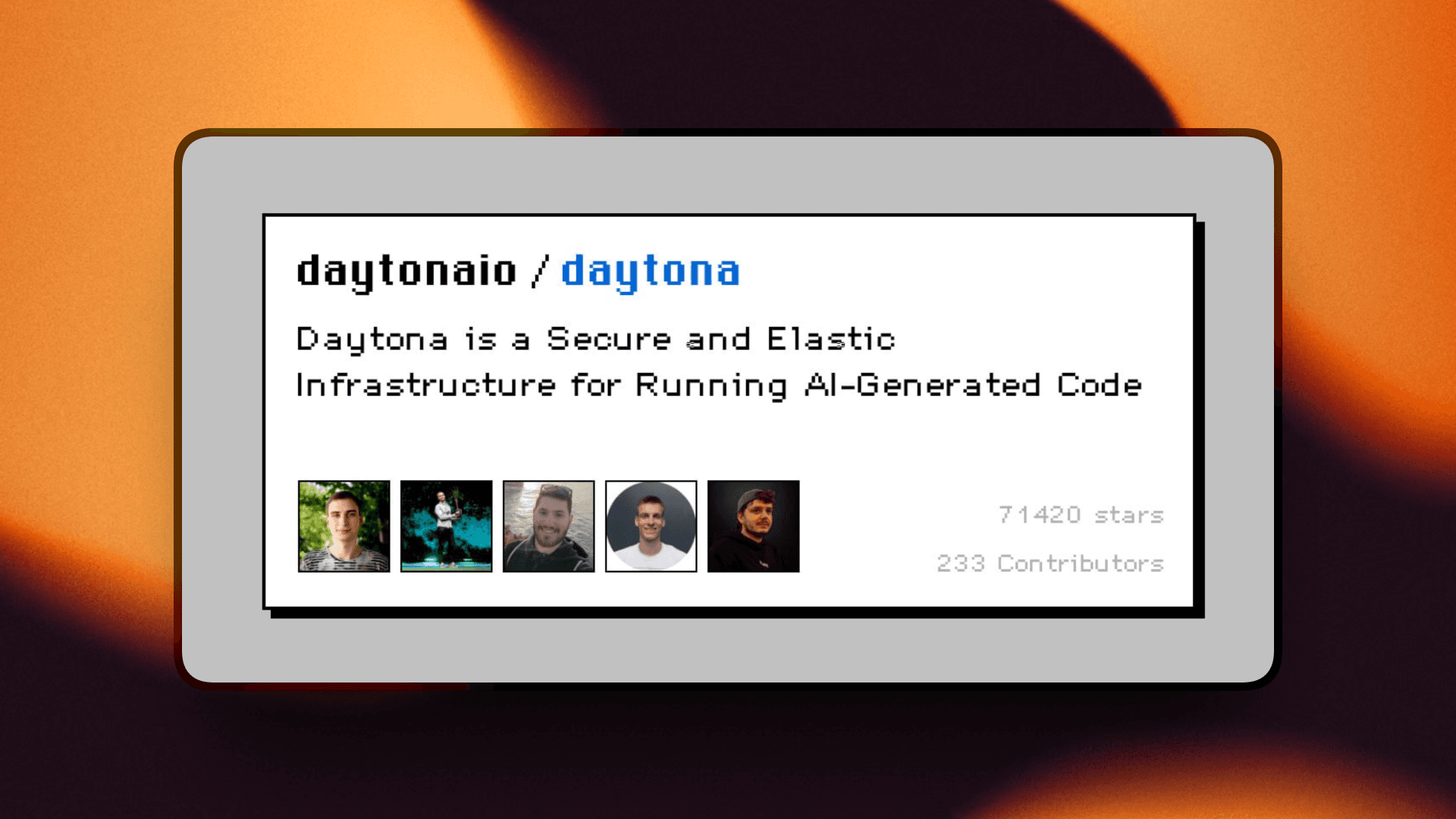
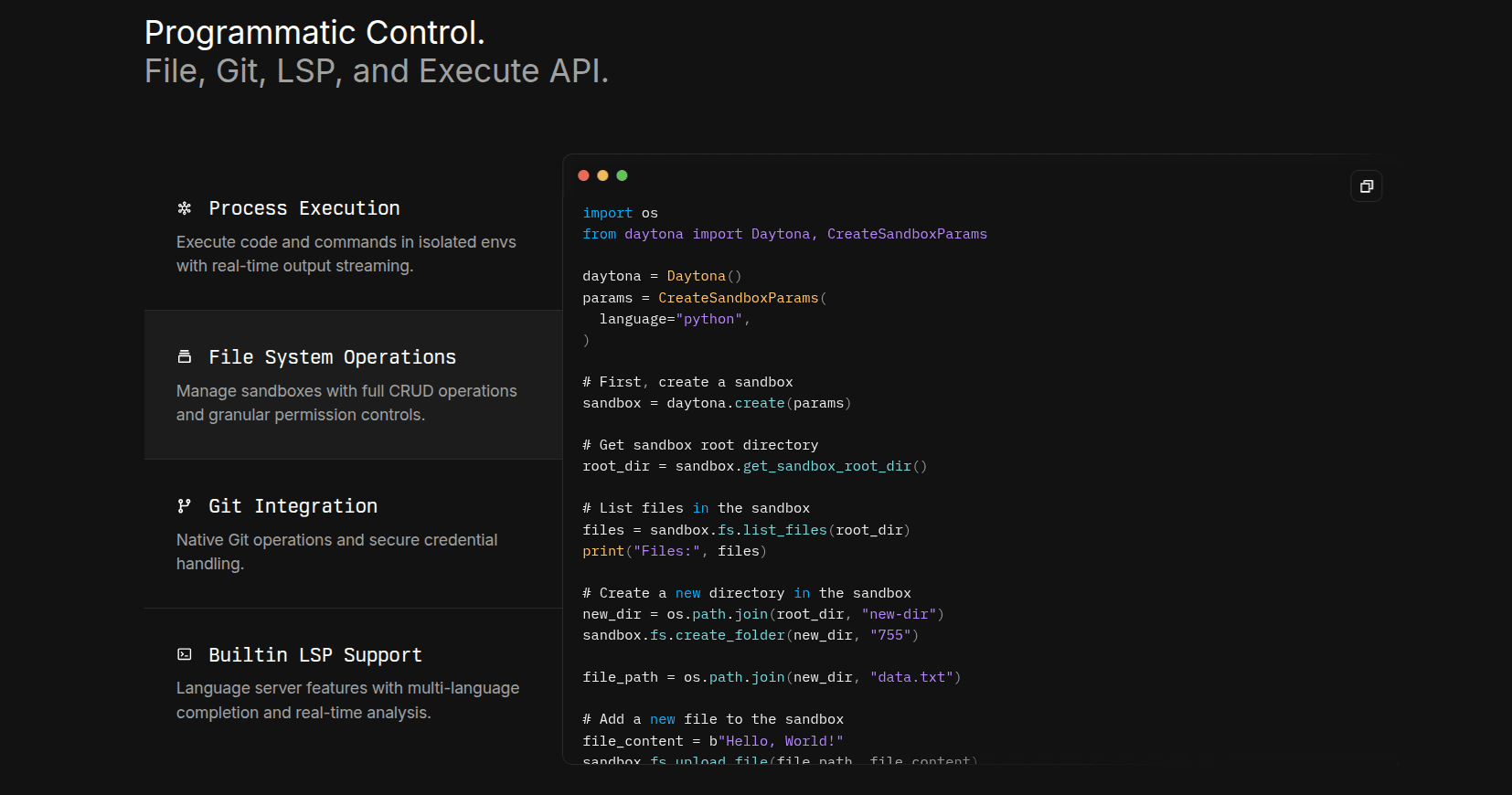
Daytona gives you a few different ways to run agent-generated code.
You can execute regular shell commands, use its higher-level code execution APIs, create persistent sessions, or work with interactive processes.
For a normal command, the flow looks like this:
result = sandbox.process.exec( "ls -la", timeout=5)print(result.result)
If you want something closer to a code interpreter, Daytona also provides code_run, which can execute code and return artifacts such as stdout.
For longer-running agent workflows, sessions are probably the more interesting part.
A session lets the agent keep shell state between multiple commands rather than treating every execution as a completely separate process.
You can run commands, inspect their status, and stream logs while they are still running.
Daytona also has fairly broad SDK coverage.
There are SDKs for Python, TypeScript, Ruby, Go, and Java, which is useful if your agent infrastructure isn't built around one language.
What it does
Executes shell commands programmatically
Provides higher-level code execution APIs
Supports long-running command sessions
Streams command logs
Supports PTY workflows
Provides interpreter-style execution contexts
Has SDKs for Python, TypeScript, Ruby, Go, and Java
Supports Linux and Windows environments
Exposes execution errors and exit-code information
💡 When I would pick it
I would use Daytona when I wanted several execution styles in the same platform.
Maybe one agent only needs quick shell commands, another needs a persistent terminal session, and another works better with interpreter-style execution.
Daytona can cover all of those without forcing everything into the same model.
Resources
Daytona process and code execution
Daytona Python process SDK
Daytona V2 process execution
4. Modal Sandboxes
ℹ️ The one I would look at when agent code execution starts becoming a compute problem.
Modal already has a strong presence around serverless compute, GPUs, and ML workloads.
Its Sandbox API gives you isolated command execution inside that same infrastructure.
You can wait for the process, inspect its return code, or stream output while the command is still running.
This feels a little different from something like E2B.
You are working with processes inside a sandbox rather than a persistent Python notebook-style interpreter.
But that becomes useful when the code your agent is running is actually expensive.
What it does
Creates isolated sandboxes programmatically
Executes processes with Sandbox.exec
Streams process output
Exposes process return codes
Supports configurable CPU and memory
Supports GPU-backed workloads
Supports custom runtime environments
Integrates with Modal's broader compute platform
Supports filesystem snapshots for longer-running workflows
💡 When I would pick it
Modal is what I would look at when the code itself is expensive.
If an agent is launching ML jobs, running GPU-backed code, evaluating models, or creating lots of compute-heavy executions in parallel, Modal fits pretty naturally.
For a tiny Python analysis script, it might be more infrastructure than you really need.
There is also a 24-hour sandbox lifetime limit, so that's something to consider.
But for GPU-heavy execution, ML agents, and workloads where compute matters more than workspace persistence, Modal is one of the stronger options here.
Resources
Modal Sandboxes
Modal Sandbox API
5. Vercel Sandbox
ℹ️ A very natural fit for coding agents that build web applications.
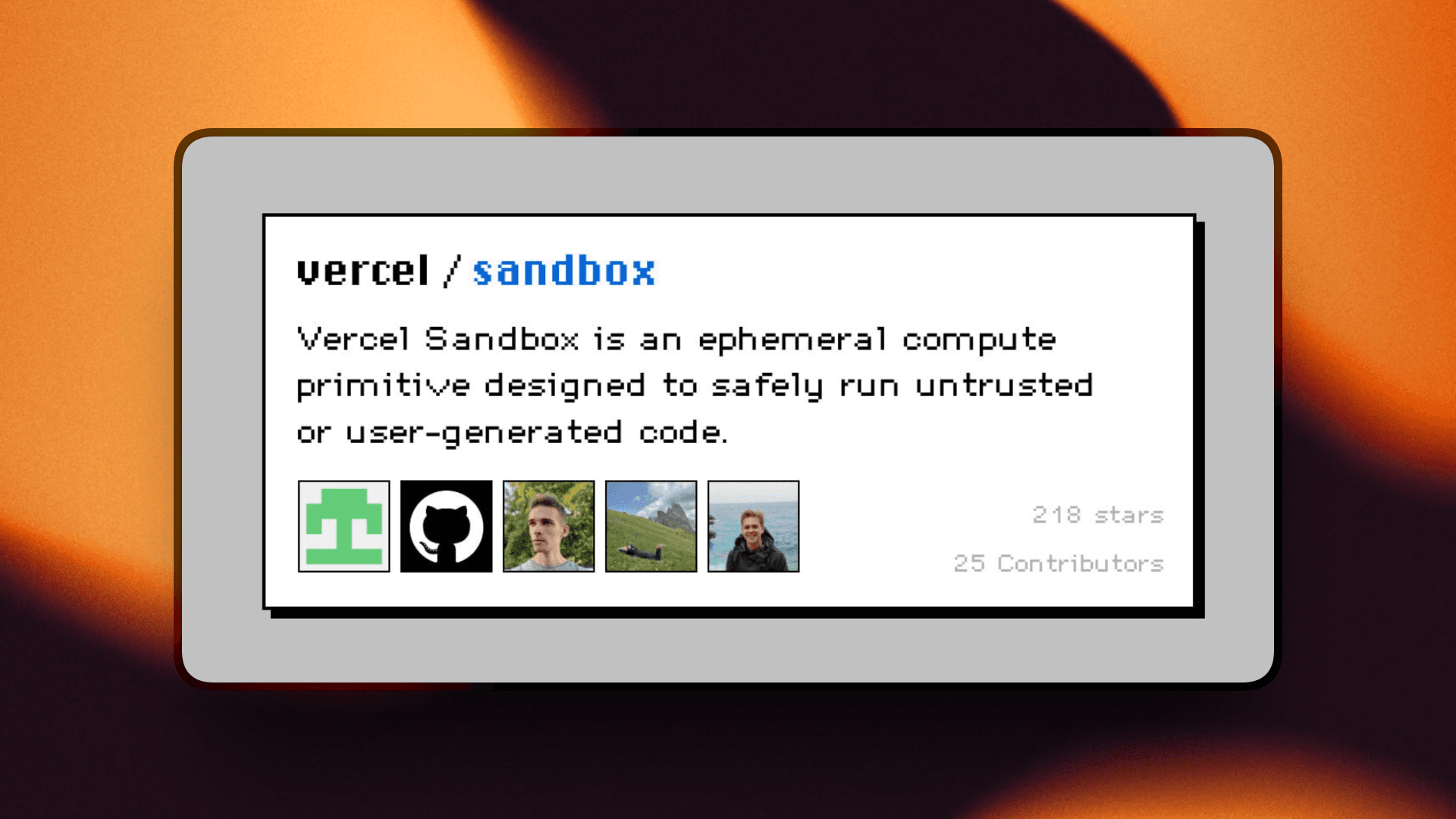
Vercel Sandbox is pretty much what you would expect from Vercel.
It focuses heavily on application-development workflows.
Your agent can create an isolated environment, run commands, install dependencies, build an application, start a server, and expose the result through a preview.
The result includes the exit code, stdout, stderr, and combined output.
For longer-running processes, you can start commands in detached mode and stream logs using an async iterator.
Vercel also supports named sandboxes through getOrCreate, so an agent can return to an existing environment instead of provisioning a new one every time.
Sandboxes are persistent by default and automatically snapshot their filesystem when stopped.
What it does
Executes commands through a TypeScript SDK
Returns exit codes, stdout, and stderr
Supports detached long-running commands
Streams logs from running processes
Supports named persistent sandboxes
Automatically snapshots filesystem state
Uses Firecracker microVMs
Provides a Python SDK alongside JavaScript
Fits naturally into Vercel preview and deployment workflows
💡 When I would pick it
I would use Vercel Sandbox for an app-building agent.
Think of an agent that receives a prompt, changes a Next.js project, installs something, runs the build, starts a development server, and then gives the user a preview.
That workflow maps really well to Vercel.
It also makes sense if your stack is already heavily TypeScript-first.
For agents that build web applications and need to show the result quickly, Vercel Sandbox is a pretty obvious one to check.
Resources
Vercel Sandbox
Vercel Sandbox SDK
Working with Sandbox
6. AWS Bedrock AgentCore Code Interpreter
ℹ️ Best when the rest of your agent stack already lives inside AWS.
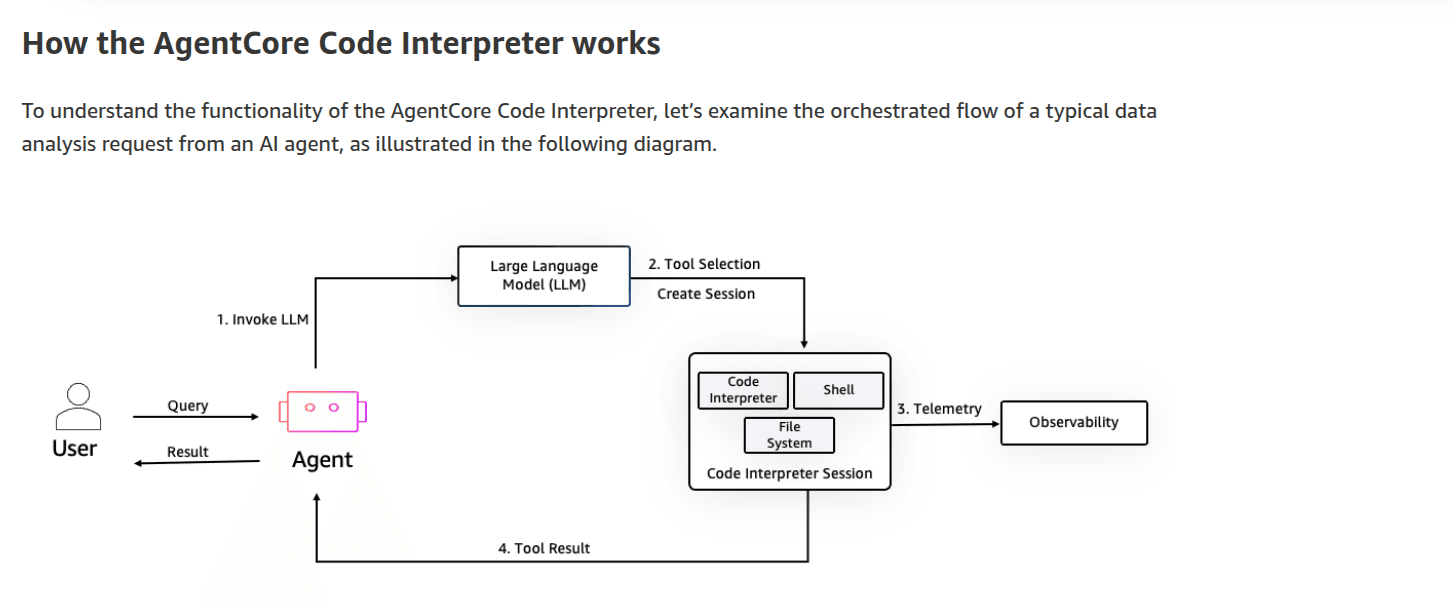
AWS also has a managed code interpreter built specifically for agent workloads through Bedrock AgentCore.
Instead of setting up your own sandbox infrastructure, you start an interpreter session and send code to it through the AgentCore API.
The interpreter supports Python, JavaScript, and TypeScript, and state can remain available during the session unless you explicitly clear the context.
You also get the things you would normally expect from AWS around IAM, networking, and integration with the rest of the Bedrock stack.
What it does
Executes Python, JavaScript, and TypeScript
Runs shell commands
Reads and writes files
Supports stateful interpreter sessions
Returns results through an event stream
Supports asynchronous command execution
Integrates directly with Bedrock AgentCore
Works with AWS security and networking controls
Has Boto3 and higher-level AgentCore SDK support
💡 When I would pick it
I would use AgentCore Code Interpreter when the rest of the agent already runs on AWS.
If you're already using Bedrock, IAM, VPCs, CloudWatch, and the rest of that ecosystem, adding another execution provider might just create more moving pieces.
AgentCore keeps the execution layer inside AWS.
It becomes less interesting if you want portable agent environments, hosted Git, snapshot forks, or infrastructure that isn't tied to AWS.
But for enterprise teams already building around Bedrock, it is probably one of the more straightforward choices.
Resources
AWS AgentCore Code Interpreter
Boto3 invoke_code_interpreter
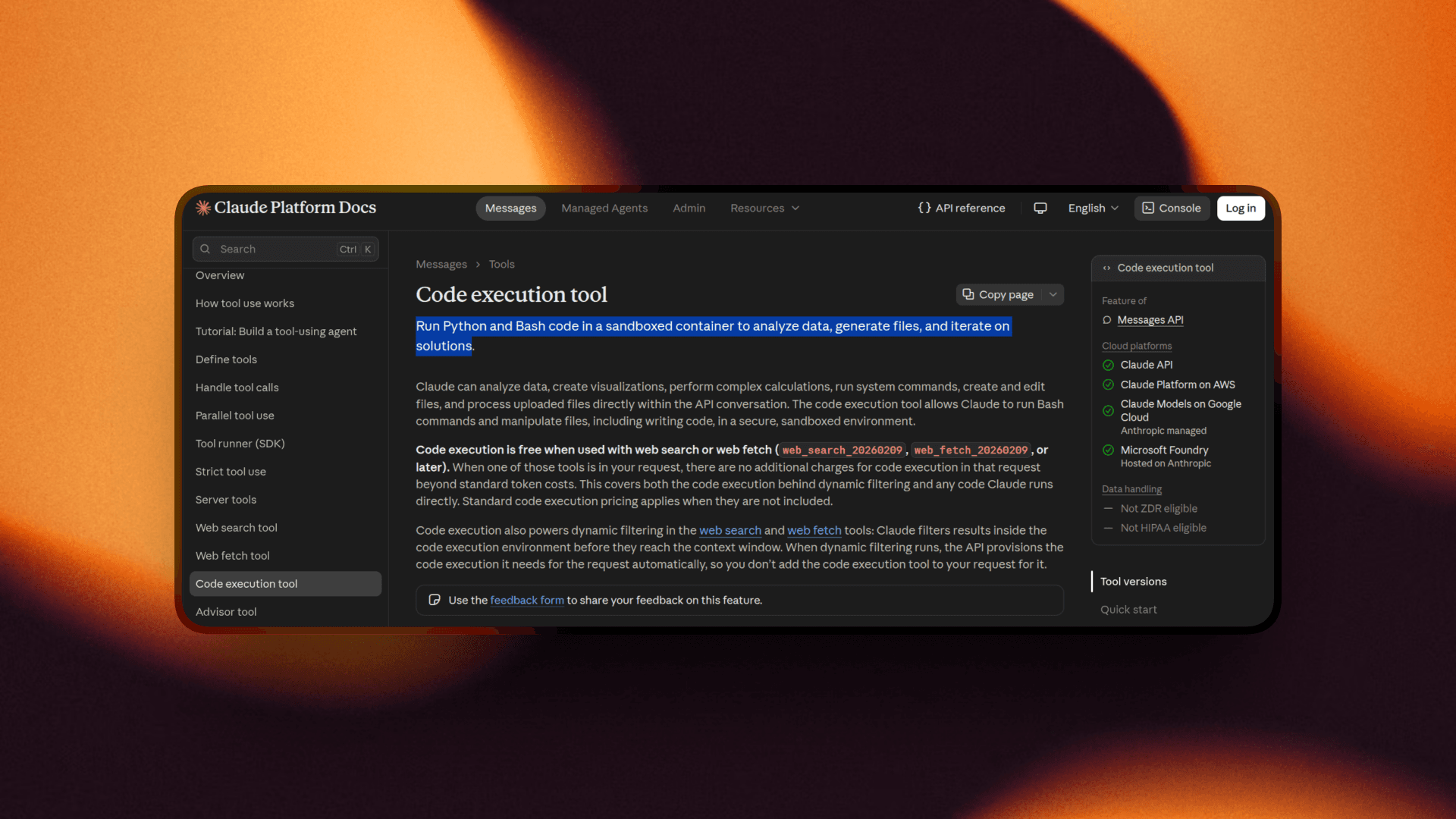
7. Claude Code Execution
ℹ️ The easiest option when Claude just needs to run some code and you don't want another infrastructure layer.
The last one is slightly different from everything above.
With Claude's code execution tool, you aren't directly creating or controlling the execution environment.
You give Claude access to the server-side tool through the Messages API:
The main limitation is pretty much the same thing that makes it easy.
You don't control much of the environment.
There is no custom container image, the environment has no internet access, and the whole thing is tied directly to Claude's API workflow.
What it does
Lets Claude execute code server-side
Requires no separate sandbox infrastructure
Supports Bash and file operations
Returns execution results directly through Claude
Supports persistent REPL state in newer versions
Lets applications reuse a container
Supports generated-file retrieval
Runs without internet access
💡 When I would pick it
If Claude needs to analyze a dataset, run some calculations, manipulate files, or execute generated Python as part of a normal application flow, I would probably start here.
You avoid almost the entire infrastructure problem.
But I wouldn't use it as the execution layer for a full coding-agent platform.
You can't bring your own image, control the environment like a normal sandbox, or attach the same kind of persistent workspace infrastructure you get with Tensorlake, E2B, Daytona, or Vercel.
For lightweight execution inside Claude applications though, having almost nothing to manage is a pretty nice advantage.
Resources
Claude code execution tool
So, which code execution API should you use?
There isn't one answer here because these products are solving slightly different parts of the same problem.
If your agent needs a persistent workspace it can resume later, fork into parallel runs, and keep files and Git state around, Tensorlake is the one I would look at first.
That makes it especially useful for coding agents, RL rollouts, evals, and CI-style workflows where execution is only one part of a much longer process.
For more interpreter-style execution, E2B is a strong option. Daytona works well if you want shell execution, sessions, and interpreter APIs together, while Modal makes more sense for GPU-heavy workloads.
Vercel Sandbox fits web-building agents nicely, AgentCore is a natural choice if you're already deep in AWS, and Claude's built-in execution tool is handy when you just need lightweight code execution inside Claude.
The main thing is to pick based on what happens after the code runs, not just whether the API can execute it.
That's all for this one. I'll see you in the next one. ✌️