
🔥Top 10 Make alternatives for building AI automation 🤖
SAShrijal Acharya·October 6, 2025 (12 months ago)
23 reactions6 comments
productivity
ai
programming
This article lists the top 10 Make alternatives for building AI automation that you should definitely check out in 2025! 🔥
If you're into AI automation, these tools are a lifesaver. It does not matter if you're a developer or not; I'll list tools for both developers and non-developers, so feel free to choose whatever suits you.

TL;DR
If you just want to see the list, here’s each of the tools worth checking out 👇
- For Developers
- Composio: Connect your AI agent with 500+ apps and APIs using one SDK.
- Pipedream: Deploy AI workflows in seconds with code-level control.
- Merge: Unified API for syncing data and integrations across categories.
- Nango: Developer infra for managing 500+ API integrations.
- Paragon: Add prebuilt or custom integrations to your product fast.
- For Non-Developers
- Zapier: No-code automation with 8,000+ app connections.
- Rube: Hosted MCP server that connects your AI tools to 500+ apps.
- n8n: Open-source automation platform with full flexibility.
- Langflow: Low-code AI builder for RAG and multi-agent apps.
- Gumloop: No-code platform to create AI workflows visually.
Each tool serves a different purpose, so be sure to check each one to see which best fits your needs. ✌️
Developer Friendly
1. Composio
ℹ️ Developer-first platform to connect AI agents with 500+ apps, APIs, and workflows.
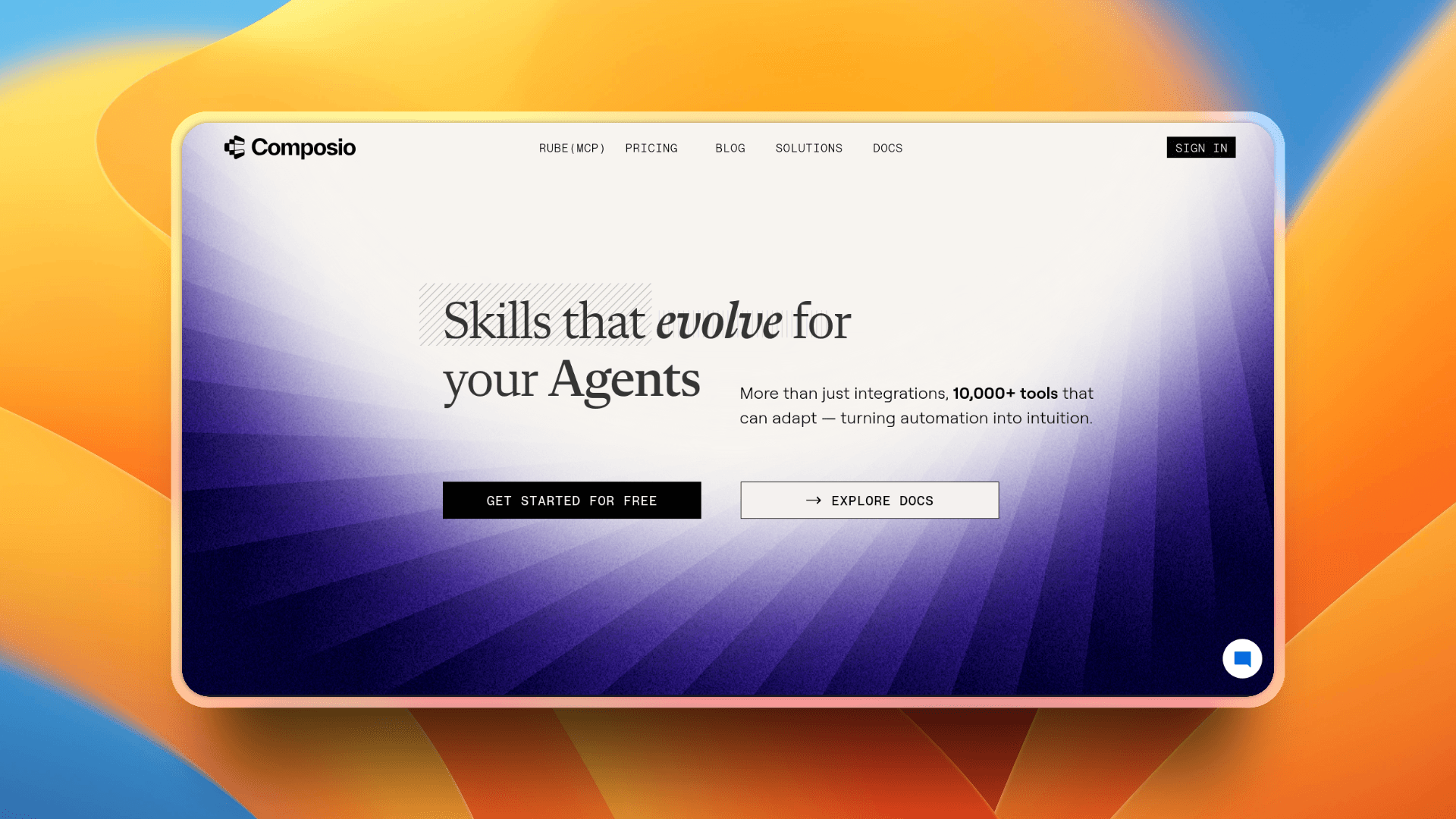
Composio is built for developers who want to connect their AI agent with 500+ apps, APIs, and workflows. It's a developer-first platform and a bridge that gives your agent access to hundreds of SaaS apps, APIs, and workflows out of the box.
Composio handles everything from building integrations, managing authentication per integration, to optimizing JSON schema for agents, all of this in one call.
Instead of manually building connectors for integrations (Slack, Notion, you name it...), you drop in Composio's SDK or API, and your agent can start taking action right away.
With Composio, you can:
- Add 100+ ready-to-use integrations into your AI agent instantly.
- Expose APIs and tools in a structured way for LLMs (Claude, GPT, Gemini, etc.) to consume.
- Deploy production-ready agents faster without reinventing the wheel.
- Extend workflows by mixing prebuilt connectors with your own custom logic.
- There's a lot...
It is a must and the most reliable in my experience if you're building agentic apps or automation products that need to talk to external services. Instead of wiring up OAuth, rate limits, and sync logic yourself, Composio handles that for you.
Check out the docs to get started, or jump straight in by installing their SDK in your project.
Quick Start:
# Install SDK (TypeScript)
npm install @composio/core

# or (Python)
pip install composio
Check out this demo to see Composio in action for Python. 👇
For TypeScript, refer to this: Getting Started with Composio using TypeScript
💁 NOTE: There’s Rube which is a part of Composio if you’re looking for somewhat similar for non-developers which I’ll cover in the next section.
2. Pipedream
ℹ️ Prompt, run, and deploy AI agents in seconds.
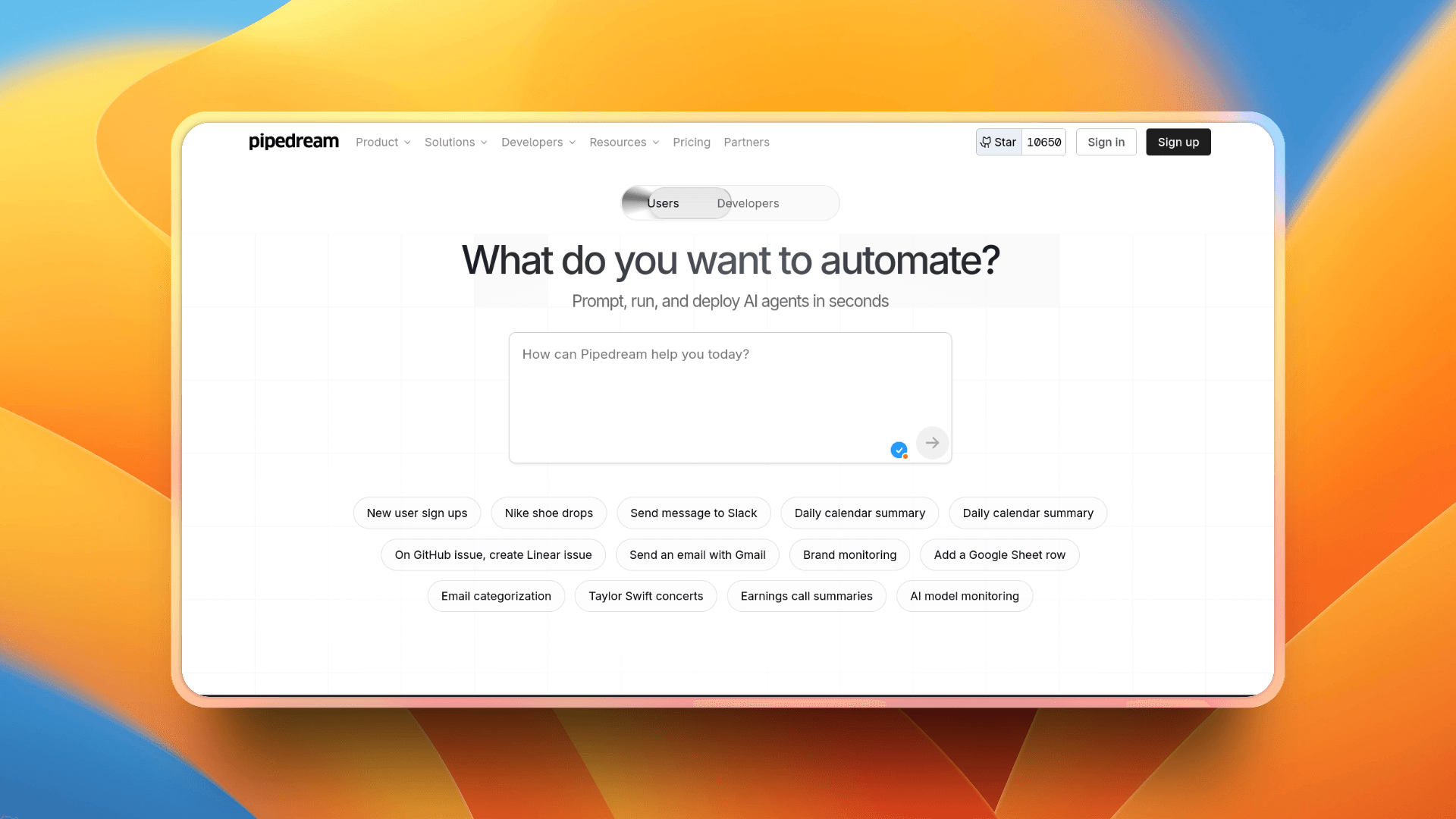
Pipedream gives you a visual workflow builder and lets you drop into code when you want to. It’s built for developers who want speed without losing control.
Here’s what makes Pipedream useful:
- It supports 2,800+ apps and APIs, so you can link your AI agents to many tools quickly.
- You can write custom logic in Node.js, Python, Go, or Bash inside workflows whenever you need flexibility.
- It handles OAuth, tokens, and integrations so you don’t have to reinvent those common parts.
- For AI-heavy tasks, Pipedream offers code generation from prompts, making it easier to spin up agent logic.
Check out this quick demo to see Pipedream in action. 👇
{% youtube https://youtu.be/9Tan-MleeKQ?si=FVY7gXVRDO5%5C%5C_x92b %}
3. Merge
ℹ️ Fast, secure integrations for your products and agents

Merge is all about simplifying integration. Instead of building connectors one by one, you use a single unified API. Combine that with their MCP (Model Context Protocol) support, and your AI agent can read/write across many systems without you wiring each integration manually.
Here’s how Merge helps you:
- It covers many categories like accounting, ticketing, CRM, file storage, and more with a common data model.
- You embed Merge Link to let users link their accounts with apps you support. It handles auth, permissions, etc.
- The MCP server from Merge lets your AI agent treat all those integrations as “tools” it can call via MCP.
- Merge gives you SDKs, sandboxes, and developer tools to build faster without reinventing everything.
Want to get a quick video overview? Here you go, the CEO Shensi Ding herself explains how Merge helps. 👇
4. Nango
ℹ️ Developer infrastructure for product integrations with 500+ APIs.
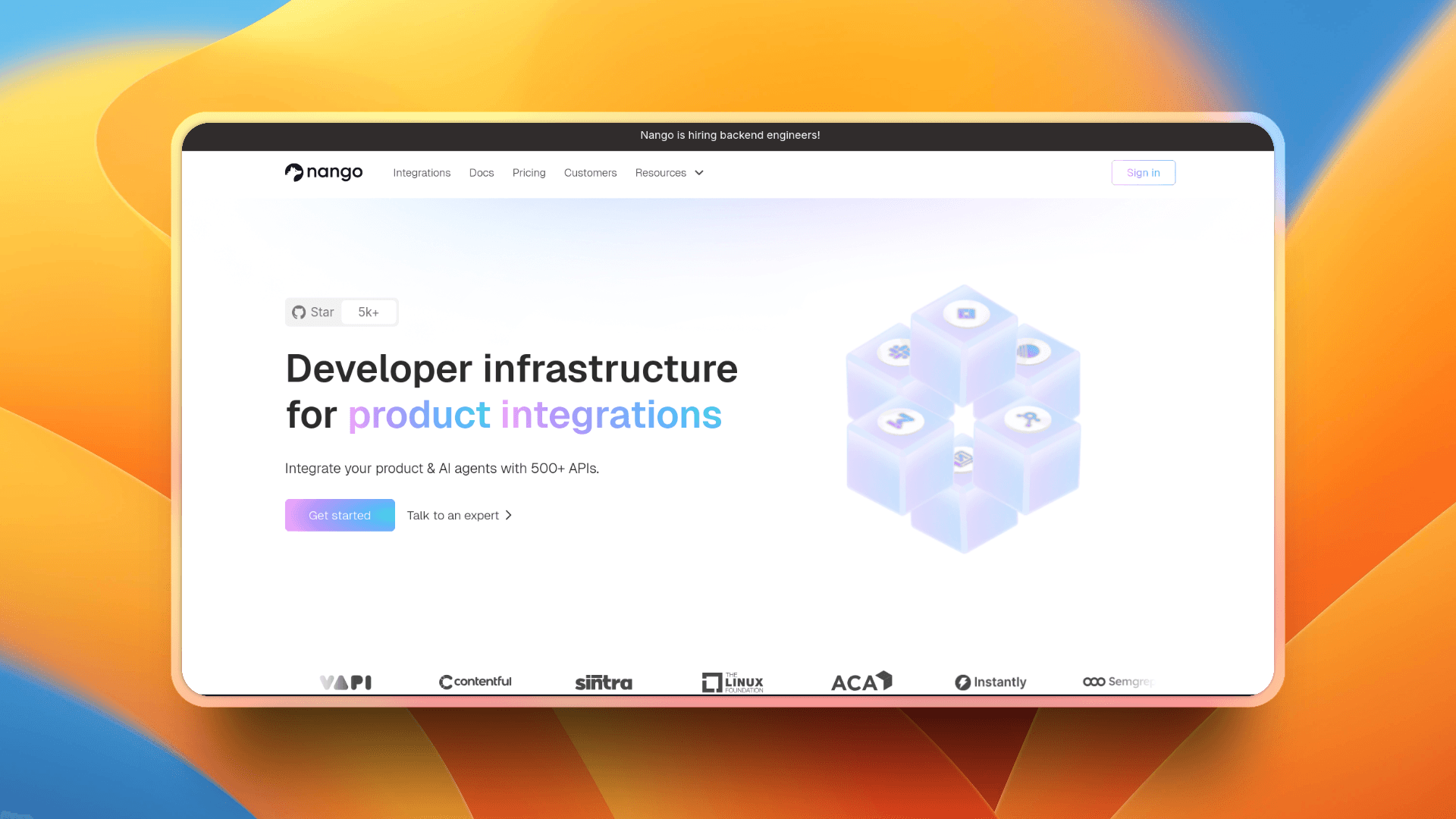
Nango is all about giving developers infrastructure so they don't have to build every connector from scratch. It provides tools and building blocks to manage auth, syncing, webhooks, and custom logic, all with full control over how data flows.
I don't see much advantage to using Nango over other tools I've mentioned, but it's worth giving a shot.
What Nango lets you do:
- Ship integrations to 500+ APIs quickly with prebuilt templates, auth handling, rate-limit logic, and more.
- Write Functions (TypeScript code) that run inside Nango for custom logic: data transformations, webhook handling, or special API quirks.
- Sync data both ways (read & write), manage webhooks, and handle complex API workflows.
- Self-host locally or use Nango’s cloud, with architecture built for reliability, observability, and scale.
Here’s an intro video demo to Nango. 👇
{% youtube https://youtu.be/pvUpbi04IjQ?si=Qpo59a%5C%5C_Oj5M-pkxU %}
5. Paragon
ℹ️ Ship every integration your customers need with 130+ pre-built connectors.
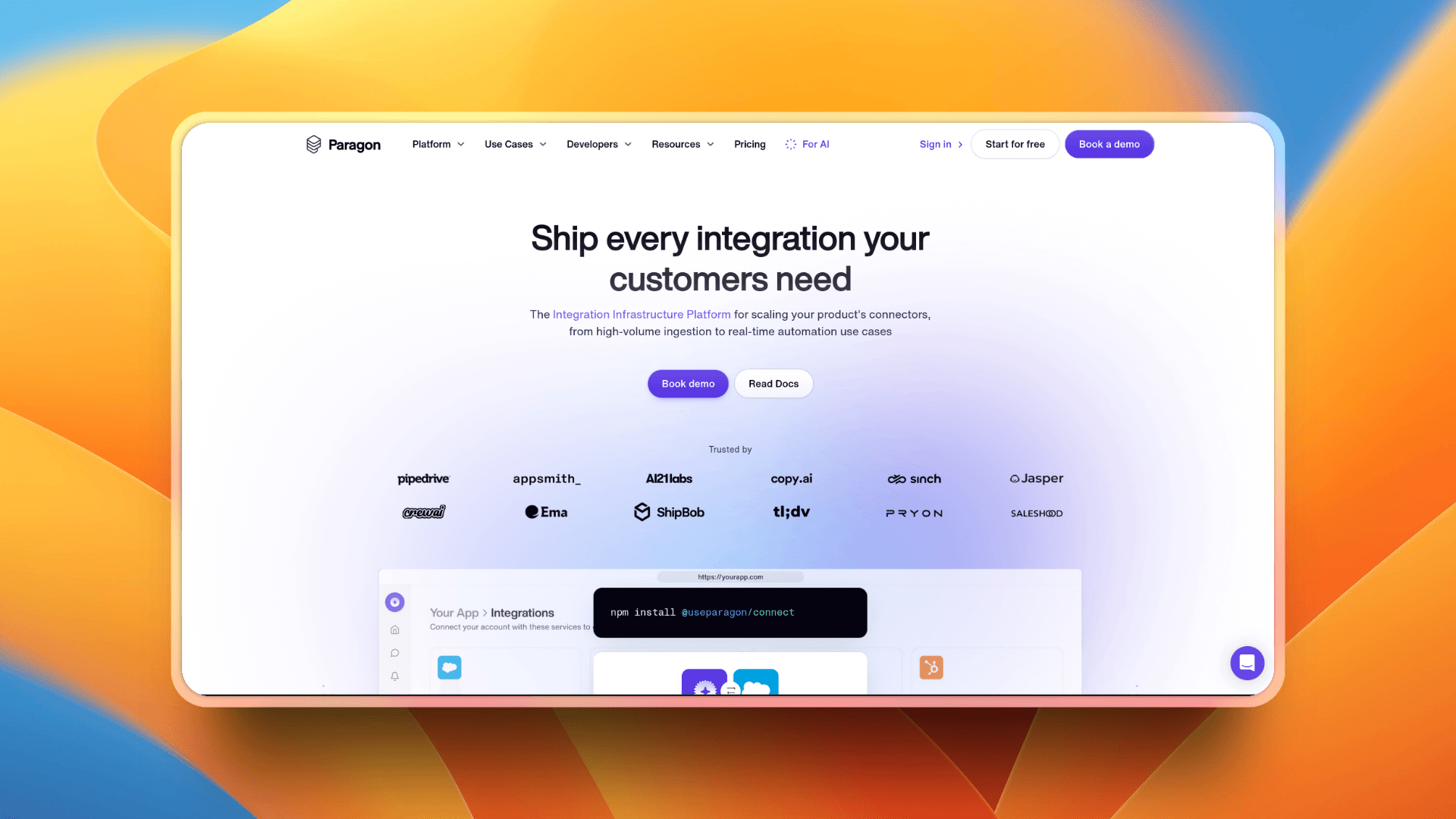
Paragon is a tool that helps you add integrations to your product quickly. It comes with 130+ ready-made connectors, and you can also build your own custom ones on the same platform.
Here’s what Paragon gives you:
- It handles authentication, token refresh, and API quirks so you don’t have to.
- You can use its Custom Integration Builder to create new connectors in minutes when a prebuilt one doesn’t exist.
- It supports embedding the Connect UI (for users linking accounts) or going headless if you want full control.
- Your integration logic can run as workflows (with retries, debugging, concurrency) or in TypeScript for when custom code is needed.
Here's a quick video intro to Paragon. 👇
For Non-Developers
1. Zapier
ℹ️ The most connected no-code AI orchestration platform, integrating with 8,000+ apps.
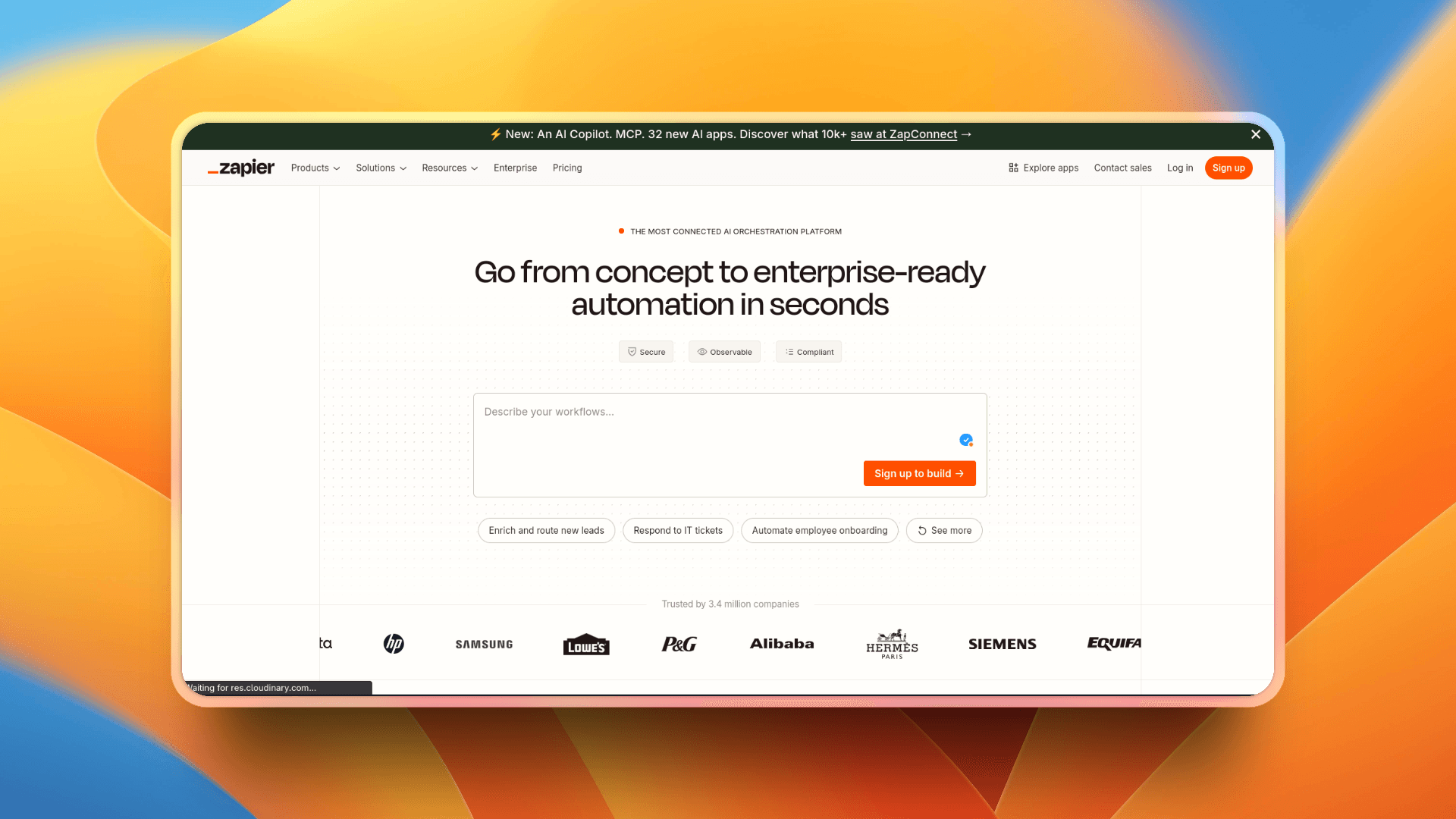
Zapier is a veteran in the automation game, and now it’s evolving fast into an AI orchestration tool too. You build workflows (called “Zaps”) that let actions in one app trigger responses in another (no coding needed, as you guessed it 😉).
With Zapier, you can:
- Automate repetitive tasks across multiple apps (Slack, Gmail, CRMs, etc.)
- Use AI functions to route or act on data mid-workflow
- Build “Interfaces” (custom forms/UIs) that feed into Zaps
- Use “Tables” as lightweight databases for your workflows
And because Zapier supports thousands of apps, chances are the tools you already use are already supported.
Sounds cool? Here's a quick tutorial to get your hands on Zapier. 👇
2. Rube
ℹ️ MCP server that connects your AI tools with 500+ apps.
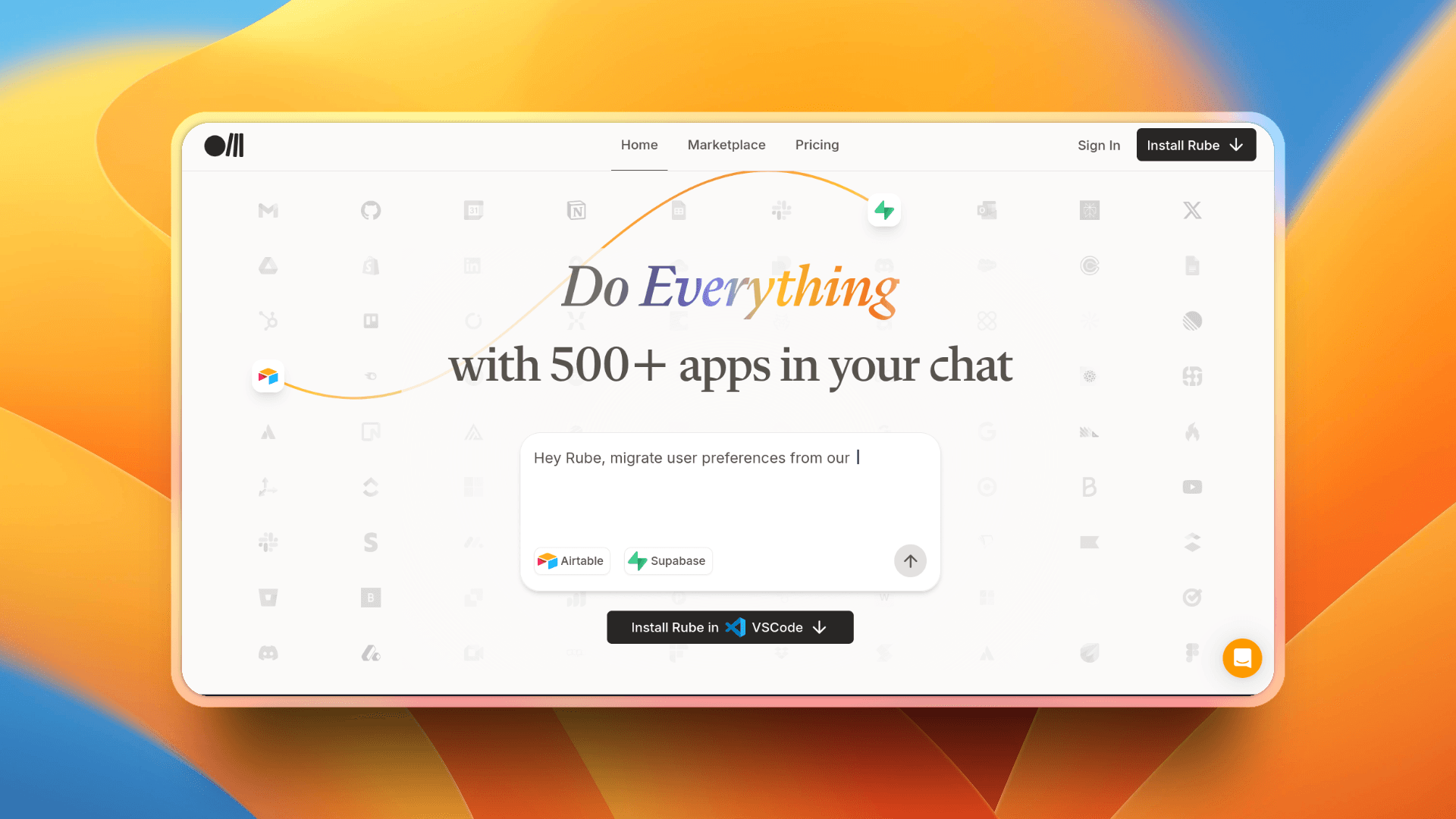
If you’ve come across the term MCP before, you know it stands for Model Context Protocol. In simple terms, it’s a bridge that lets AI models talk to external apps and services, giving them both data and the ability to take action.
Rube acts as a hosted MCP server that bundles integrations with popular tools like Slack, Gmail, Facebook, and many more. Instead of setting up servers and wiring APIs yourself, you instantly unlock access to over 500 apps right inside your AI chat tools.
To see what’s available, you can browse the Rube marketplace, which lists all the supported apps.
Getting started is simple:
- Install Rube on your preferred platform, or
- Sign up on the web app, connect an app, and test it directly in your browser.
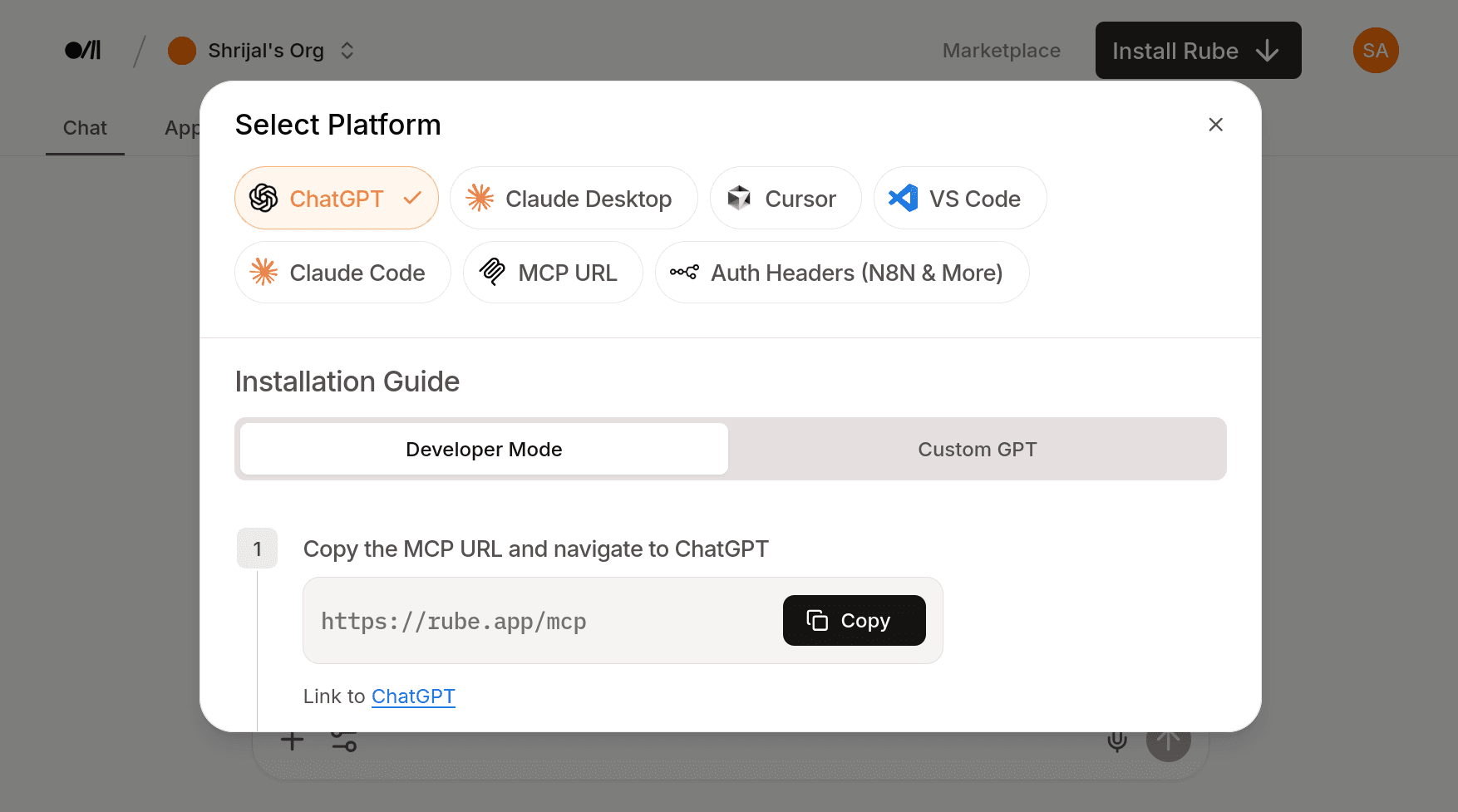
Here’s a quick demo that shows Rube in action 👇
3. n8n
ℹ️ The world’s most popular open-source no-code automation platform.
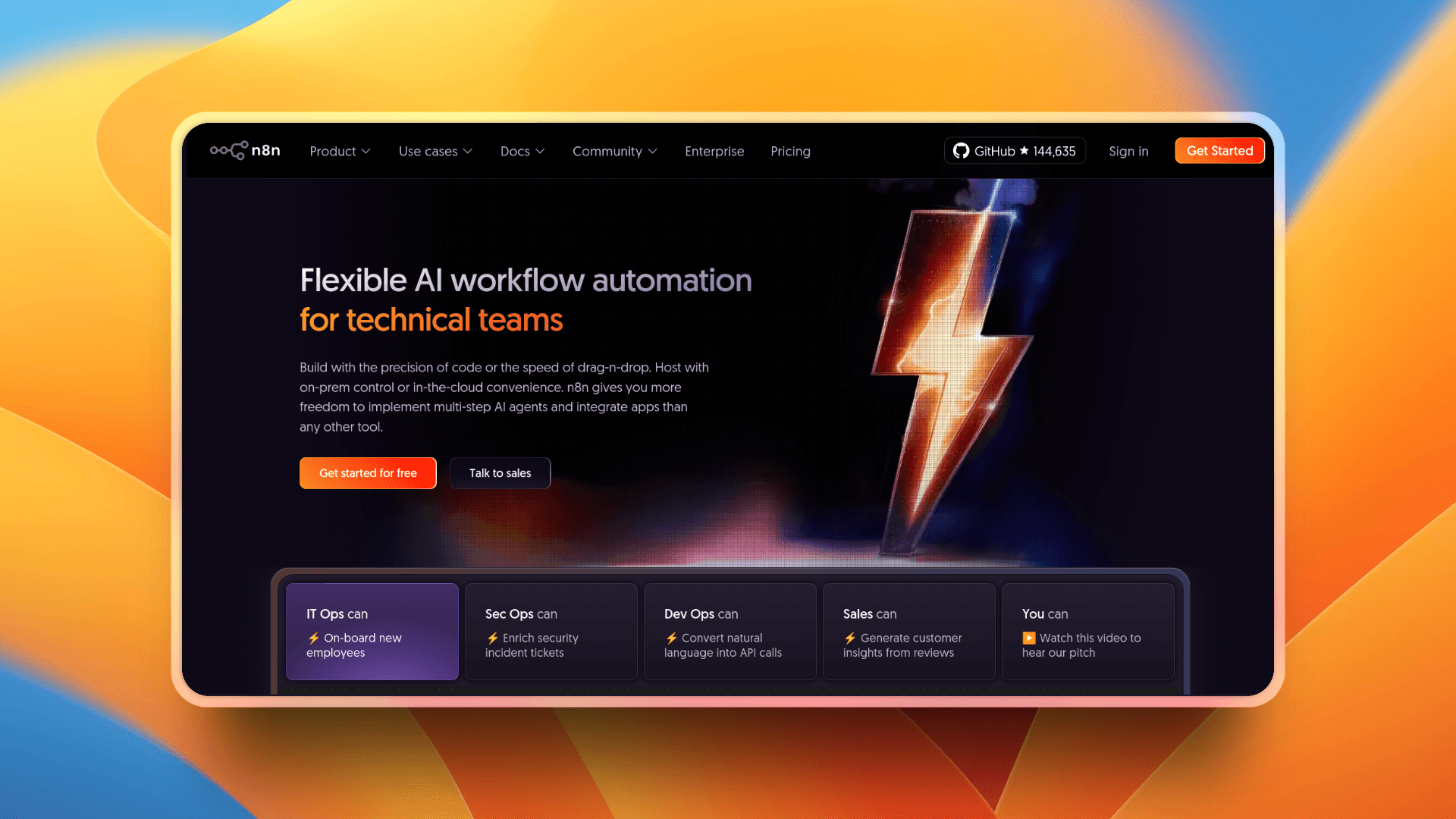
n8n is an open-source platform that makes it easy to create automation workflows, AI agents, and integrations without heavy coding. You get a visual canvas where you drag and connect nodes to link apps, APIs, and logic together.
The best part? It’s completely free and open-source. You can run it on your own machine, deploy it in the cloud, or use their hosted version if you want a plug-and-play option.
With n8n, you can:
- Connect hundreds of apps and databases right out of the box
- Add JavaScript or Python when you need advanced custom logic
- Build one-off automations or scale up to production-grade workflows
- Automate almost anything that exposes an API
In short, if there’s an API, chances are you can automate it with n8n. 🤯
If you want to see what’s possible, check out this quick walkthrough from NetworkChuck. It’s a great introduction to how powerful n8n can be 👇
4. Langflow
ℹ️ Low-code AI builder for agentic and RAG applications.
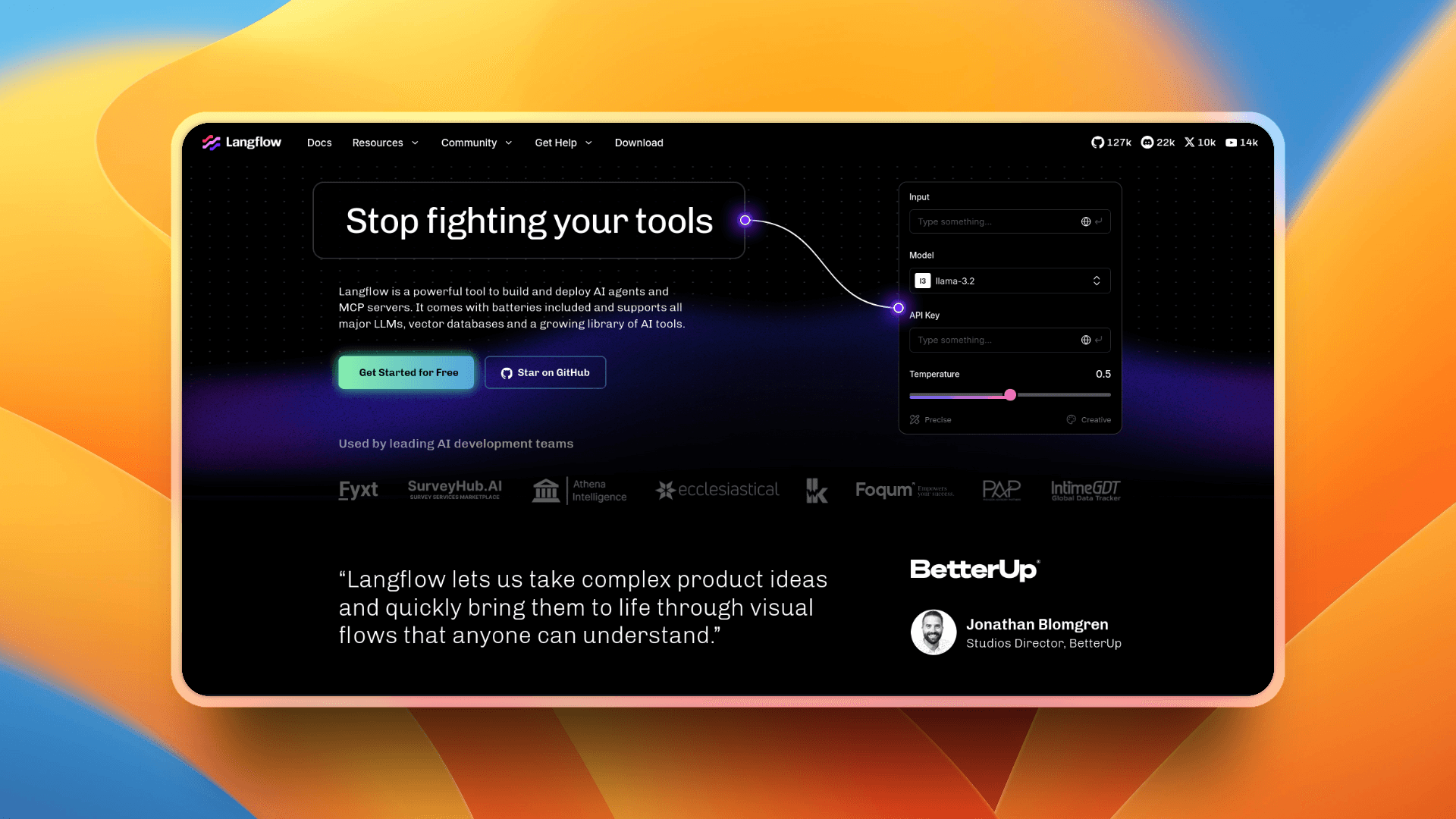
Langflow gives you a drag-and-drop visual interface that lets you build complex AI workflows without writing every line of code.
Under the hood, it’s powered by Python and gives you full access to customize components, hook into APIs, or integrate vector stores.
You can:
- Quickly iterate using visual flows and reusable components
- Orchestrate multi-agent systems with conversation control and retrieval logic
- Turn your flows into APIs, JSON exports, or even MCP servers for integration
- Support major LLMs, databases, and tools out of the box
- As always, there's a lot more...
Take a look at the Langflow docs to learn more.
Here's a quick intro video to Langflow 👇
5. Gumloop
ℹ️ A no-code platform that lets you build AI workflows using drag-and-drop nodes.
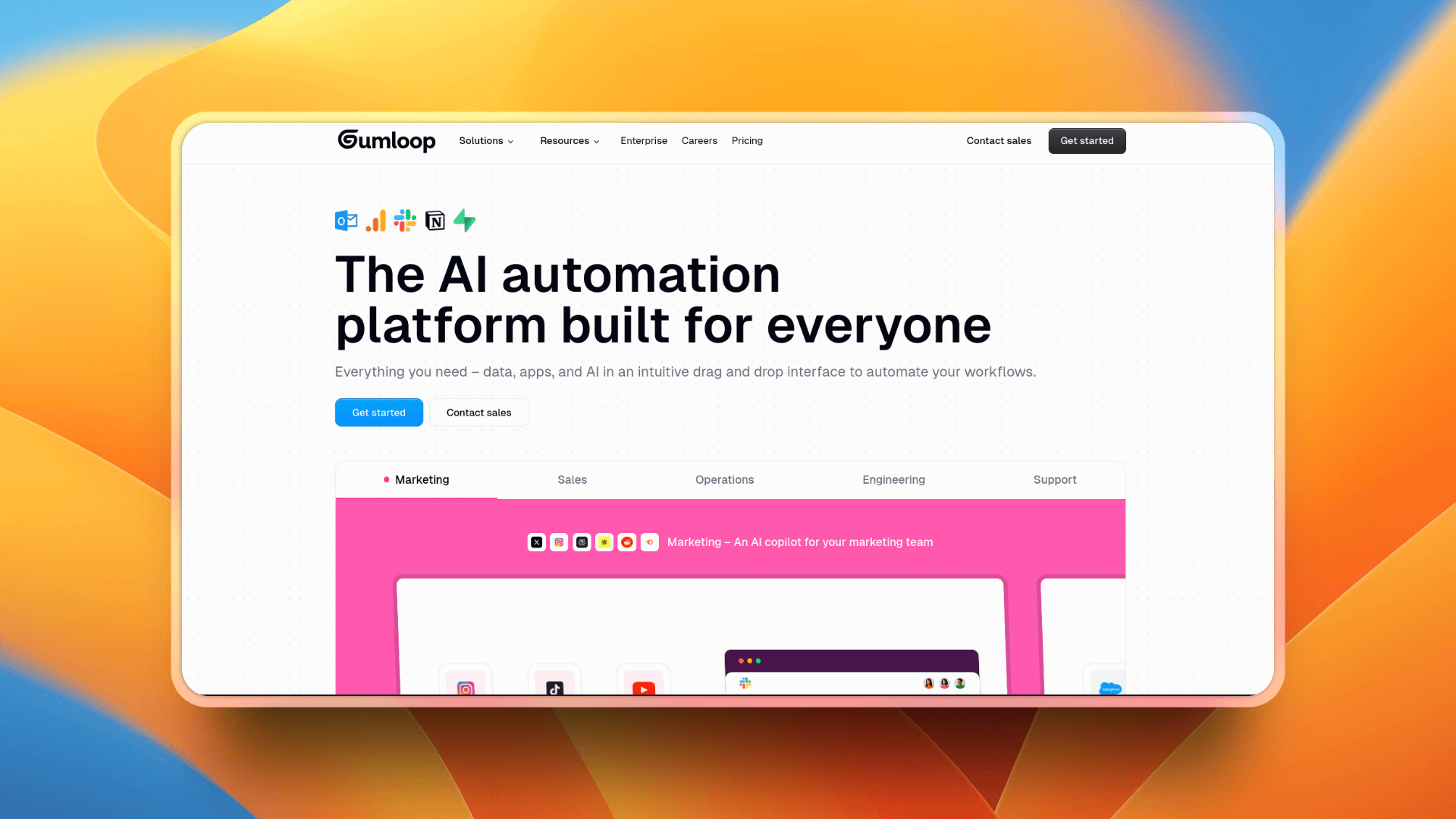
Gumloop works similarly to Rube or n8n by giving you a visual canvas where you link building blocks (called “nodes”) to design workflows.
You place triggers, logic, API calls, AI prompts, or integrations on a canvas, connect them, and deploy. It handles orchestration behind the scenes.
What you can do with Gumloop:
- Build workflows that fetch data, call AI models, transform it, and push results to apps like Google Sheets, Slack, CRMs, etc.
- Use subflows so you can reuse chunks of logic inside bigger flows.
- Integrate with services like Slack, Salesforce, Airtable, Outlook, GitHub, Google, and more.
- Use its built-in AI features to scrape websites, analyze content, generate text, etc., all inside flows.
Want to see it in action? Here’s a demo showing a real workflow built using Gumloop 👇
If you know of any other useful AI automation tools that I haven't mentioned in this article, please share them in the comments section below. 👇🏻
These are your top 10 Make alternative AI automation tools for 2025, and that wraps up this article. Thank you so much for reading! 🫡